


Senin, 08 Maret 2010

30 Beautiful Photoshop Text Effect Tutorials


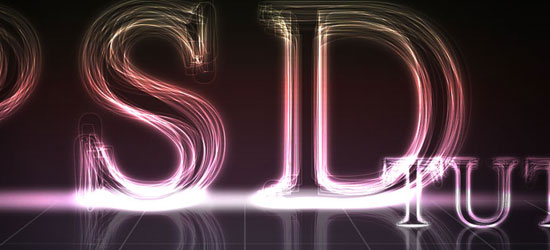
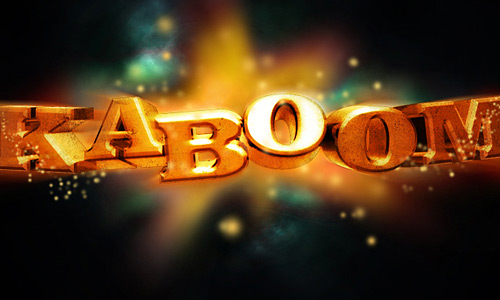
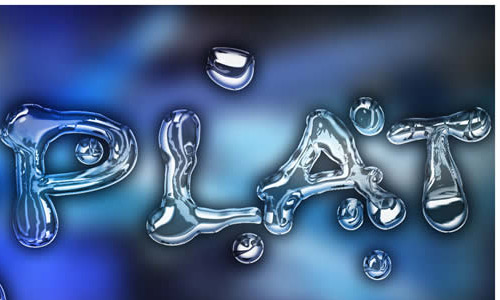
Create a Spectacular Grass Text Effect - screen shot. Create a Layered Glowing Text Effect - screen shot. Using Light and Shade to Bring Text to Life - screen shot. Transparent Glass Lettering - screen shot.How to Create A Gold Text Effect - screen shot. Icey Styles - screen shot. Dramatic Text on Fire Effect - screen shot. Wood Inlay Text - screens hot. 
Watercolor Text - screen shot. The Sugar Bag Effect - screen shot. 
Text In Stitches - screen shot. Text Ticker - screen shot. 
Cartoon/Comic-Style Text Effect - screen shot. Bee Movie Text Effect - screen shot. Simple, Sleek and Stylish Text Effect - screen shot. Smooth Glass Type - screen shot. 
Moon Shine Text Effect - screen shot. Colorful Glowing Text Effect - screen shot. 
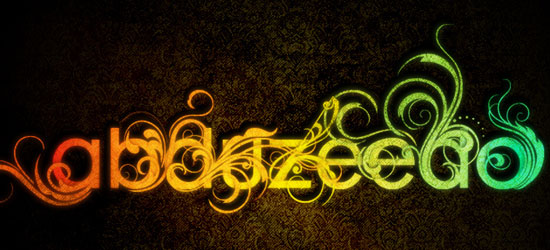
Bubble Text - screen shot. Killer Halftone Effect - screen shot. Text on Turf - screen shot. Spray Paint Text - screen shot. Scanline Text - screen shot. Retro Text - screen shot. Spectacular Style Text Effect - screen shot. Grunge Text Effect - screen shot. Pimp your text - screen shot. Paint Effect - screen shot. Shining Neon Text Effect - screen shot. Super Cool Frilly Bits Typography - screen shot.    


Uses vector files to accent your text to achieve a similar look as the sample.
Show it off!
If you use one of these tutorials – we’d love to see your work – post it online and link to it in the comments. If you don’t have a server, you can use one of the many image hosting services like Flickr or even ImageShack.

Tidak ada komentar:

Posting Komentar